
Skip to content
distilligentLet’s talk

Education · Field notes · Ontario CPA community

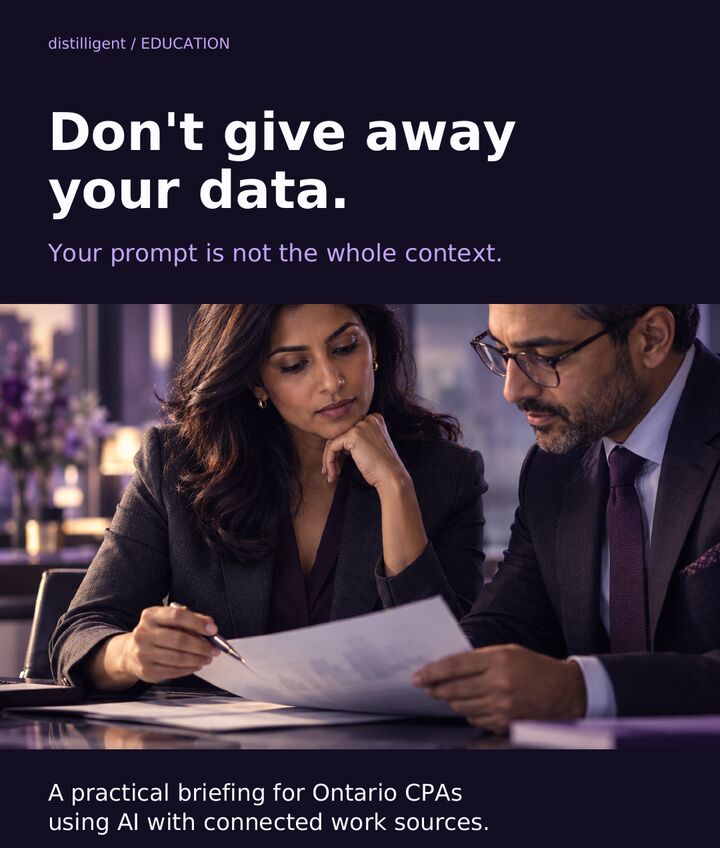
Your prompt is not the whole context

A practical briefing for Ontario CPAs using AI with connected work sources.

Read the essay
Swipe the carousel →
Your prompt is not the whole context, slide 1 of 7Your prompt is not the whole context, slide 2 of 7Your prompt is not the whole context, slide 3 of 7Your prompt is not the whole context, slide 4 of 7Your prompt is not the whole context, slide 5 of 7Your prompt is not the whole context, slide 6 of 7Your prompt is not the whole context, slide 7 of 7

Prefer to read? The full note, with linked sources, is below.

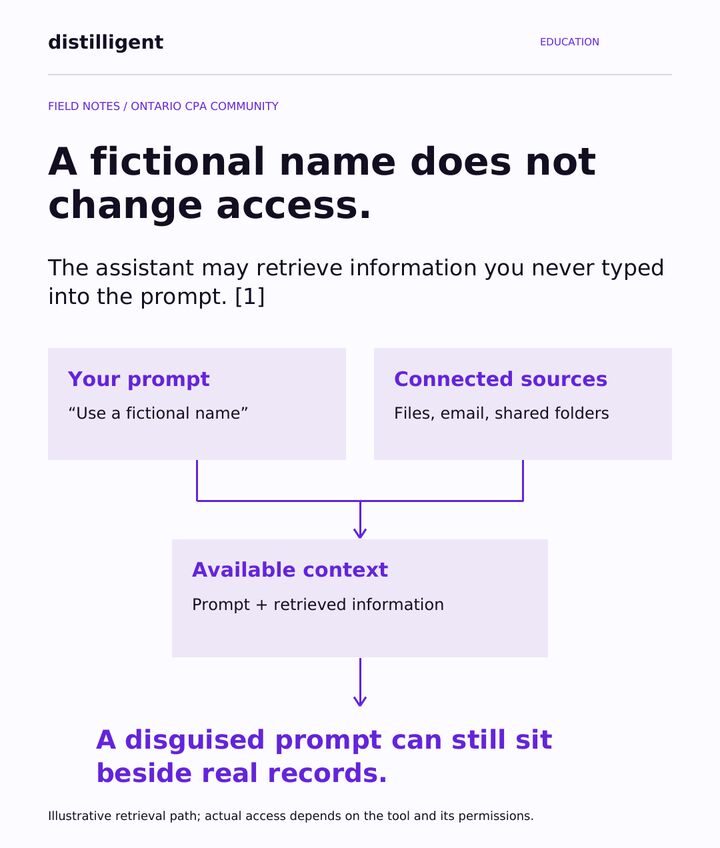
A fictional name does not change access

An assistant connected to your files, email or shared folders may retrieve information you never typed into the prompt. [1]

Your prompt“Use a fictional name”What you typed.
Connected sourcesFiles, email, shared foldersWhat the assistant can reach.
Available contextPrompt + retrieved informationWhat it may actually use.

A disguised prompt can still sit beside real records. This is an illustration: what a tool can actually reach depends on the tool and its permissions.

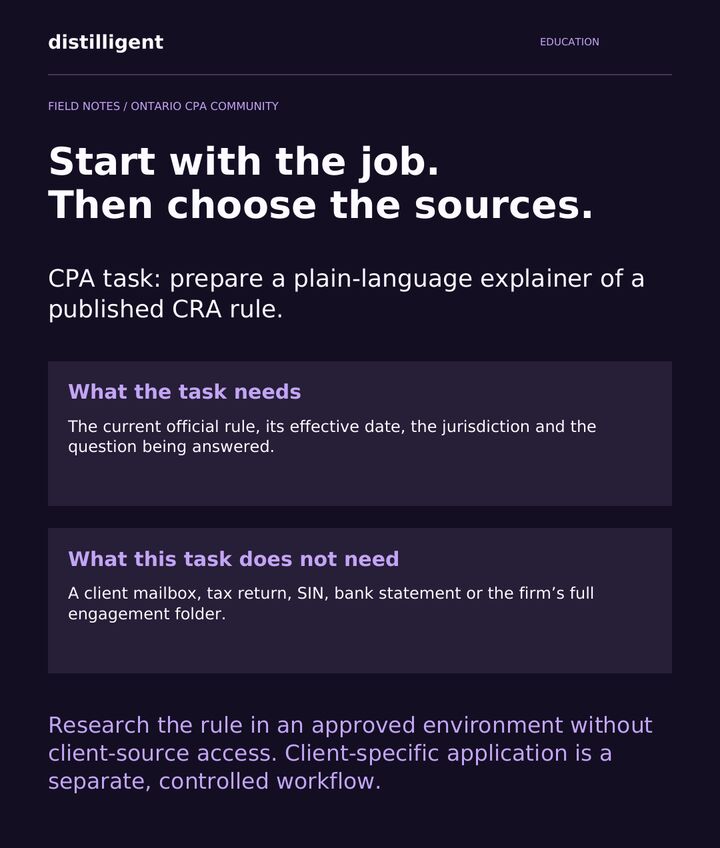
Start with the job. Then choose the sources.

Take a common CPA task: a plain-language explainer of a published CRA rule.

What the task needsThe rule, in contextThe current official rule, its effective date, the jurisdiction, and the question being answered.
What it does not needThe clientA client mailbox, a tax return, a SIN, a bank statement or the firm’s full engagement folder.

Research the rule in an approved environment with no access to client sources. Applying it to a specific client is a separate, controlled workflow.

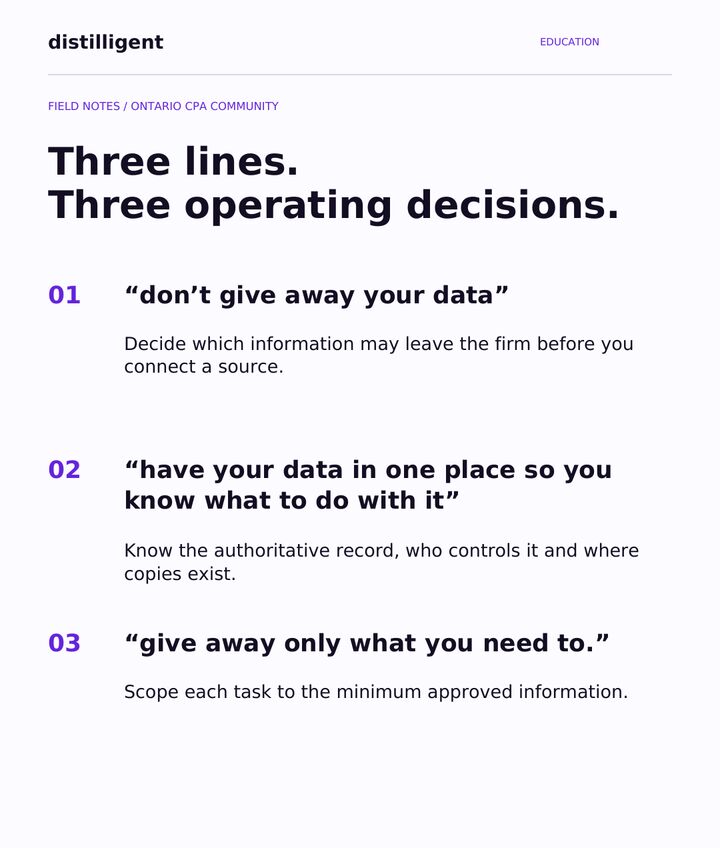
Three lines. Three operating decisions.

01 · “Don’t give away your data”Decide what may leaveDecide which information may leave the firm before you connect a source.
02 · “Have your data in one place”Know the recordKnow the authoritative record, who controls it, and where copies exist.
03 · “Give away only what you need to”Scope the taskGive each task the minimum approved information.

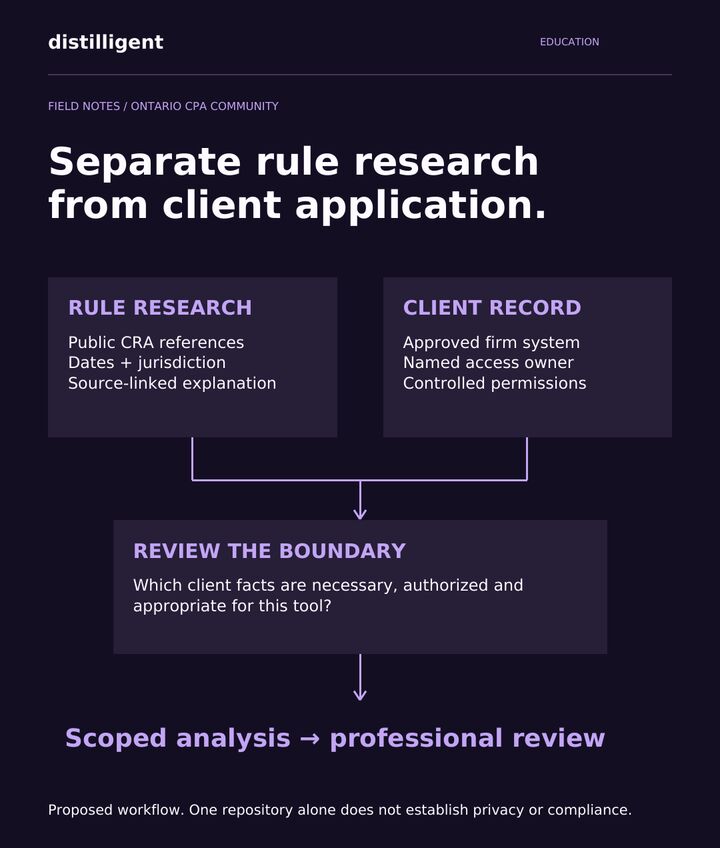
Separate rule research from client application

Rule researchPublic and datedPublic CRA references · dates and jurisdiction · a source-linked explanation.
Client recordApproved and ownedAn approved firm system · a named access owner · controlled permissions.

Review the boundary: which client facts are necessary, authorized and appropriate for this tool? Then run the scoped analysis and send it for professional review.

This is a proposed workflow. One repository alone does not establish privacy or compliance.

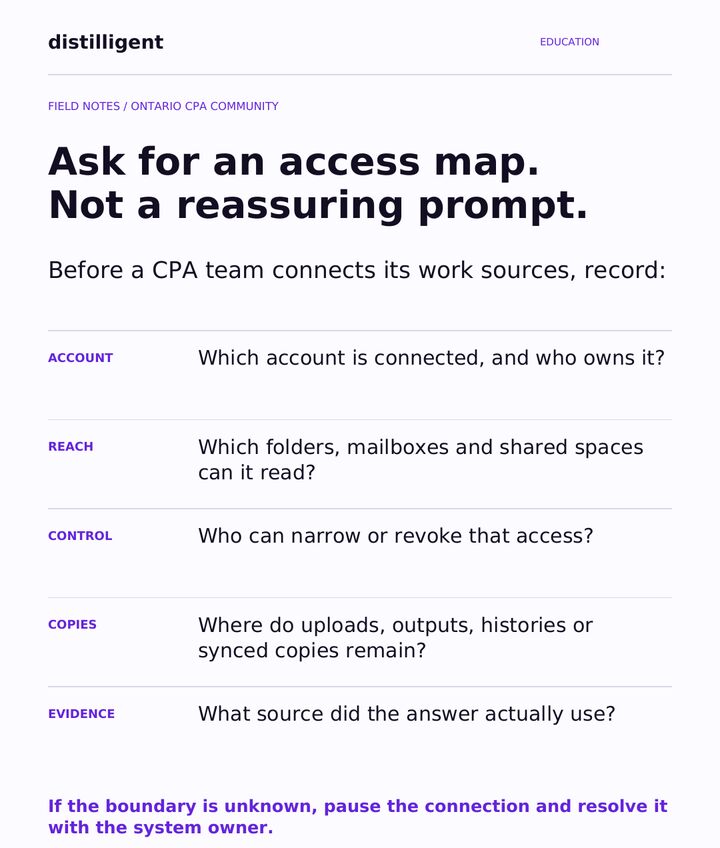
Ask for an access map, not a reassuring prompt

Before a CPA team connects its work sources, write down:

AccountWhose?Which account is connected, and who owns it?
ReachHow far?Which folders, mailboxes and shared spaces can it read?
ControlWho decides?Who can narrow or revoke that access?
CopiesWhat stays?Where do uploads, outputs, histories or synced copies remain?
EvidenceWhat was used?Which source did the answer actually draw on?

If the boundary is unknown, pause the connection and settle it with the system owner.

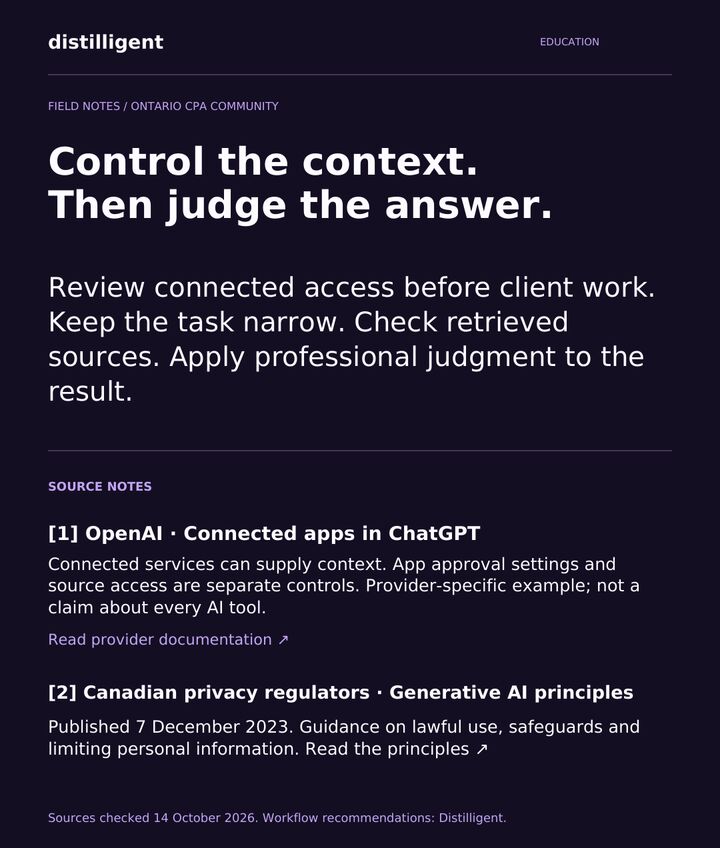
Control the context. Then judge the answer.

Review connected access before any client work. Keep the task narrow. Check the sources it retrieved. Apply professional judgment to the result.

MapMapIdentify the sources your AI can reach.
ScopeScopeMatch access and information to the task.
ReviewReviewBuild source checks into the workflow.

Sources

Sources checked October 14, 2026. The workflow recommendations are Distilligent’s.

Make your team’s AI workflow defensible.

Practical AI training for the Ontario CPA community. Explore professional training

All education notes

Continue exploring

The questions behind
the things we build.