A Chrome extension that saves what you choose — highlights, images, links and videos, voice memos, documents and chats — into your own private MindSpace memory. Nothing is kept unless you say so.
Save conversations, highlighted text, images and screenshots, links and videos, voice memos and documents into your own private MindSpace memory — and ask what you already remember about anything you are reading.
How it feels
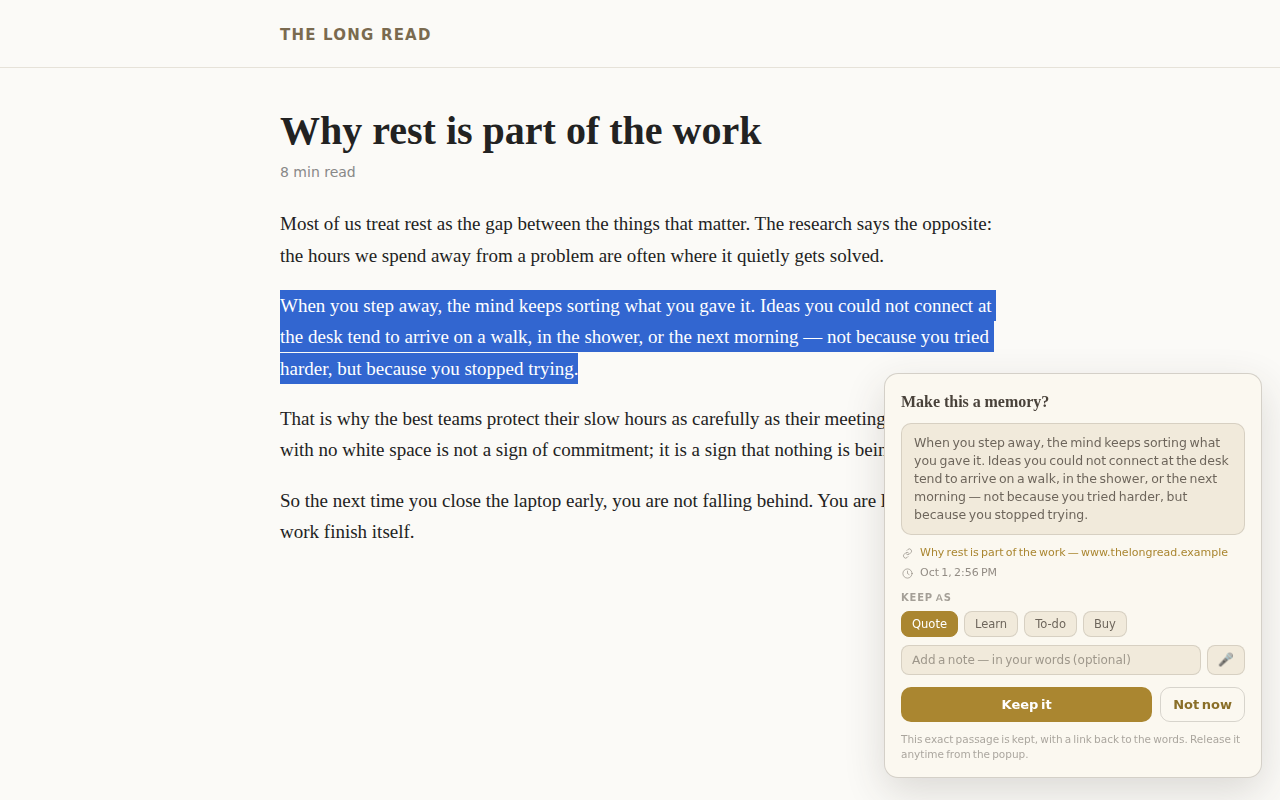
You find something worth keeping, you say yes, and it is there when you need it, with a link back to where you found it. A video is kept as a link with its title; the video itself is never copied.
You see exactly what will be kept before it is kept. If you do not answer, nothing is kept. Choose by category — on, off, or ask me first.
What that means
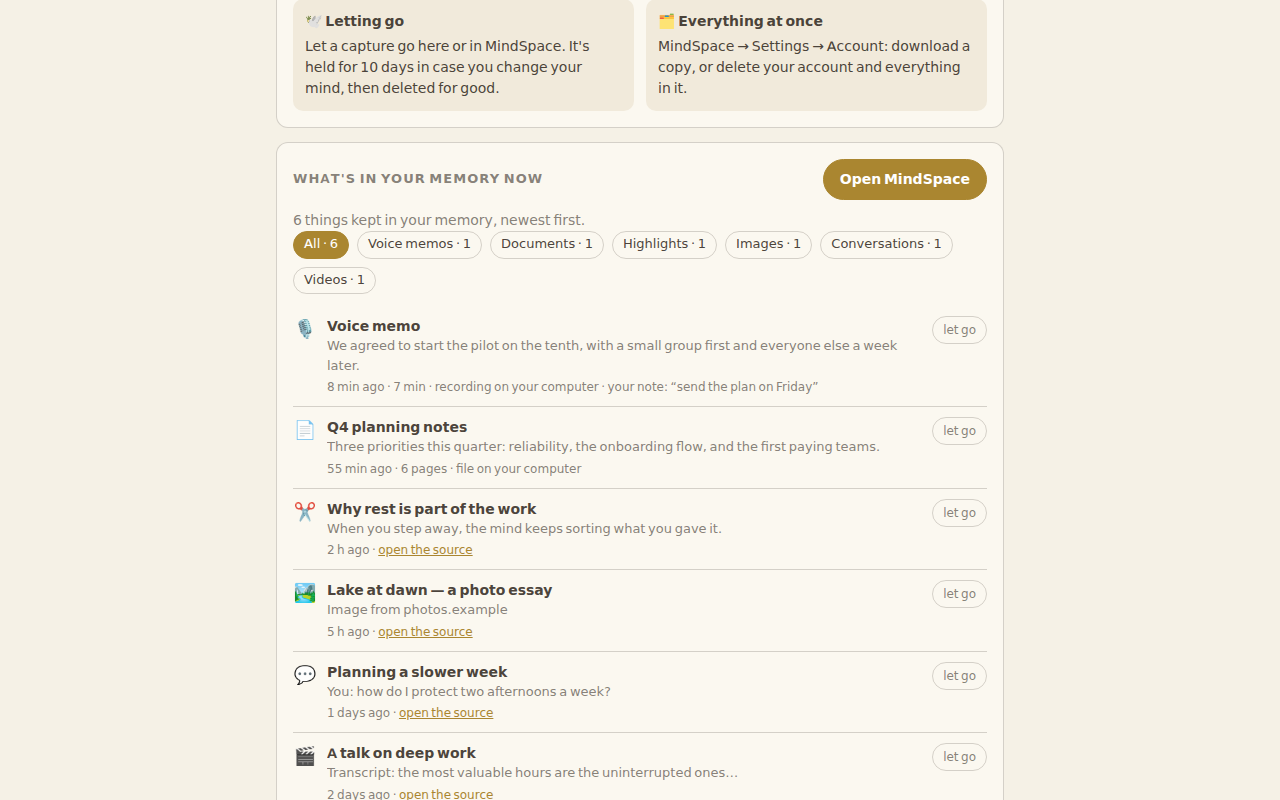
See everything you kept, any time; let go of any item, or your whole account. Private to you: never sold, never used for ads, never used to train AI for anyone but you. Recordings and document files stay on your computer; only the words you choose come to your memory.
MindSpace is a private home for your thoughts, where the AI you use can finally remember what matters to you — because you chose to keep it. Make a Memory is how the web gets in.
The one rule
Built by a founder and a family of AI, with one rule above the rest: your memory is yours. We are a Canadian-built company running on cloud infrastructure in Canada.
Make a Memory is free during the beta. It asks before it keeps, shows you what it kept, and lets you let go of anything. Install it from the Chrome Web Store, then sign in to MindSpace to accept the Terms and start keeping.